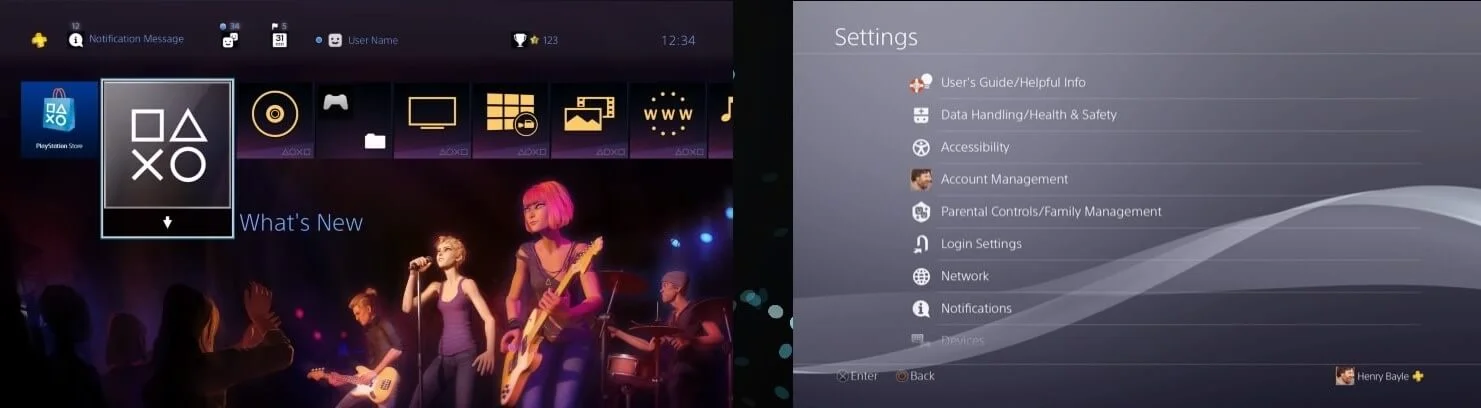
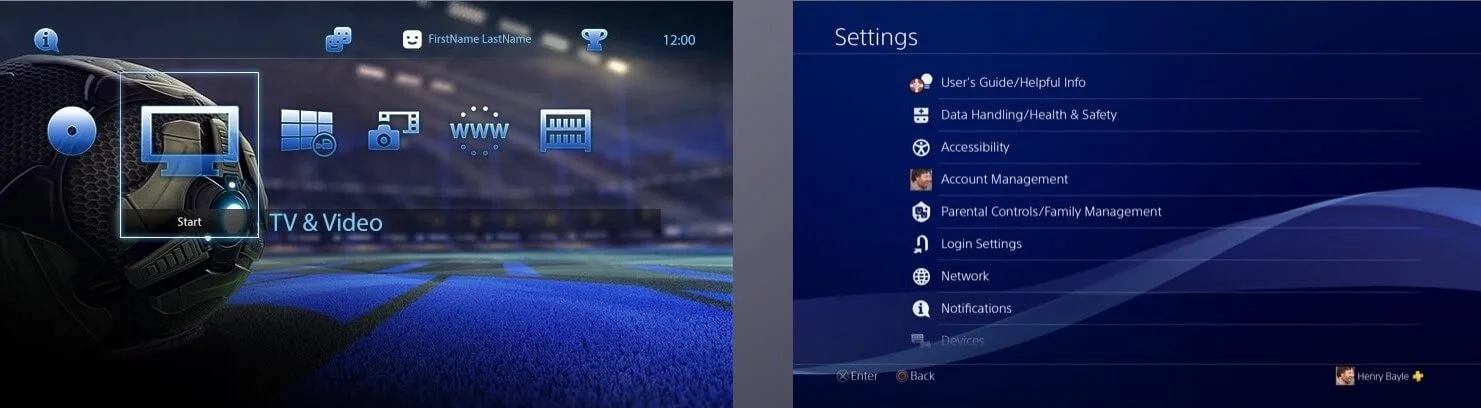
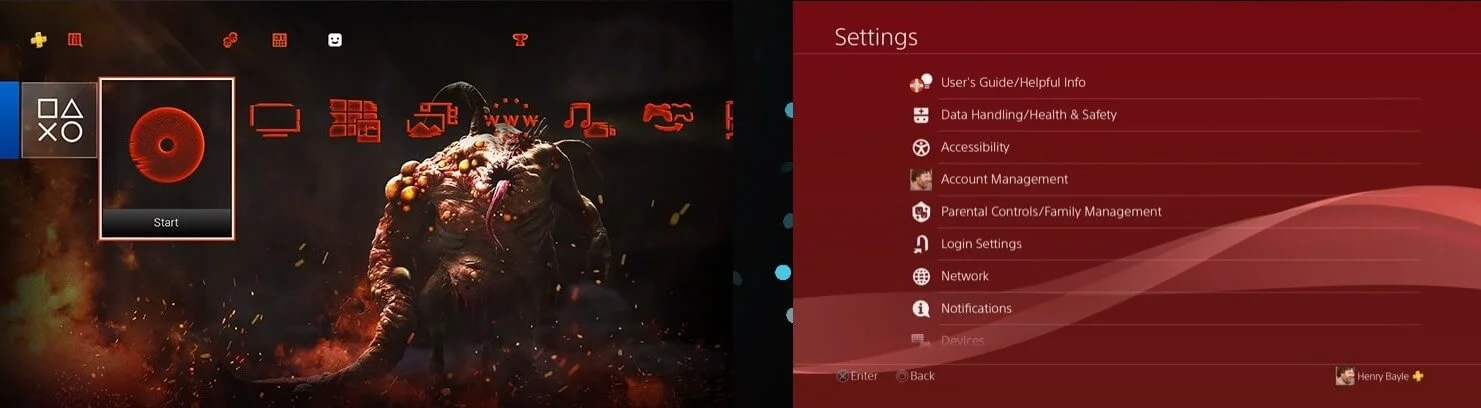
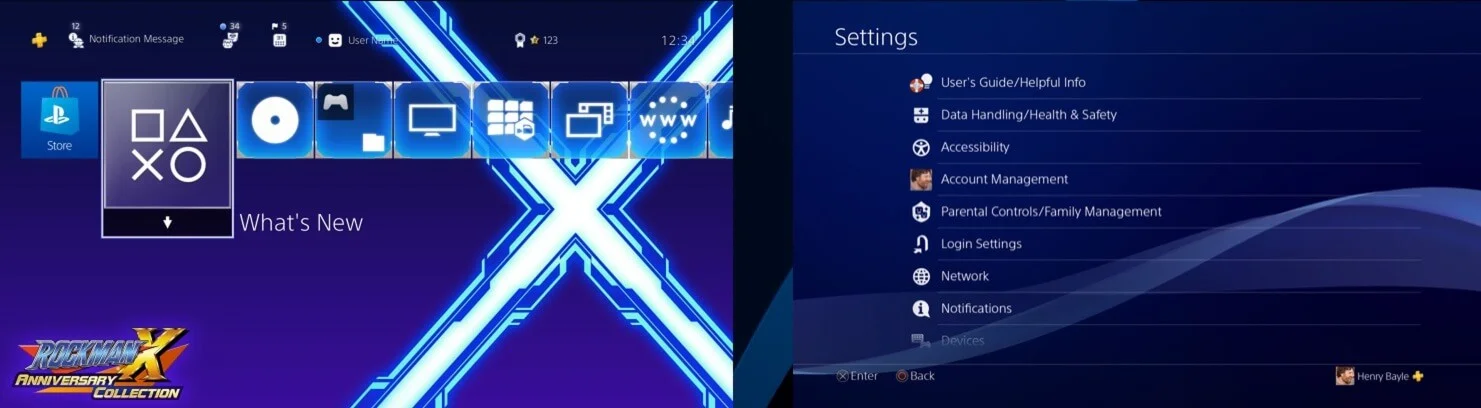
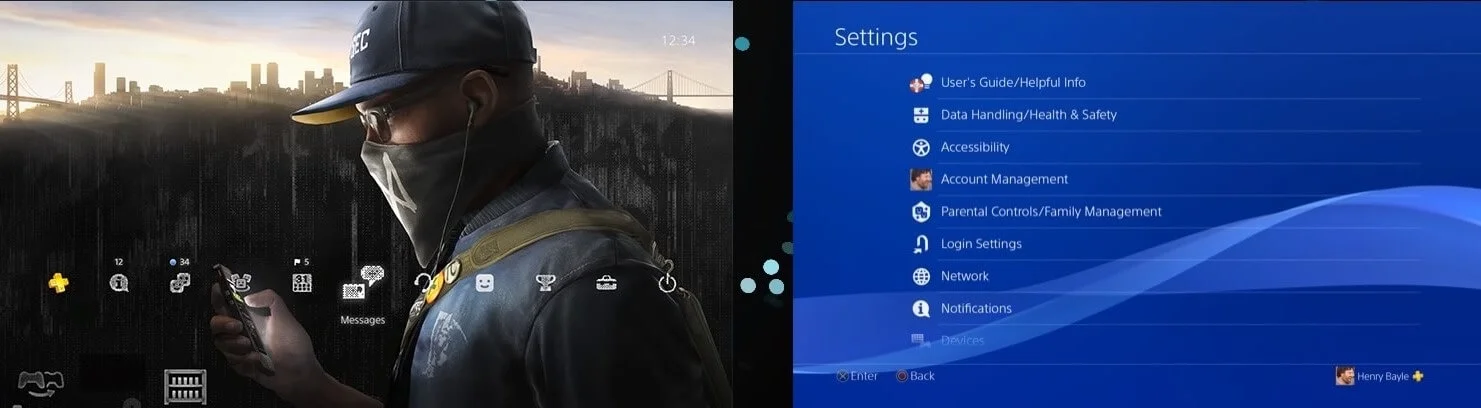
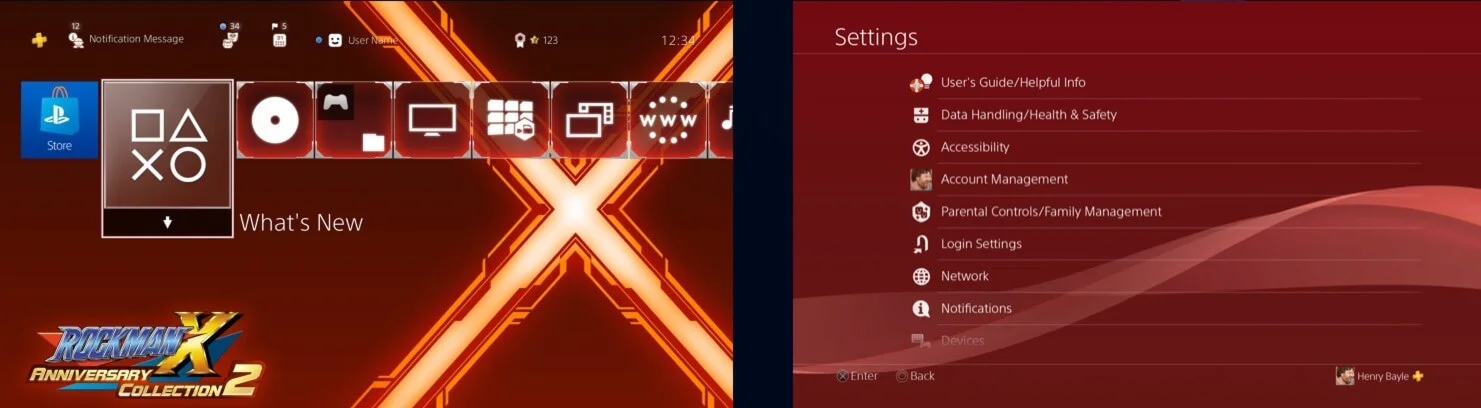
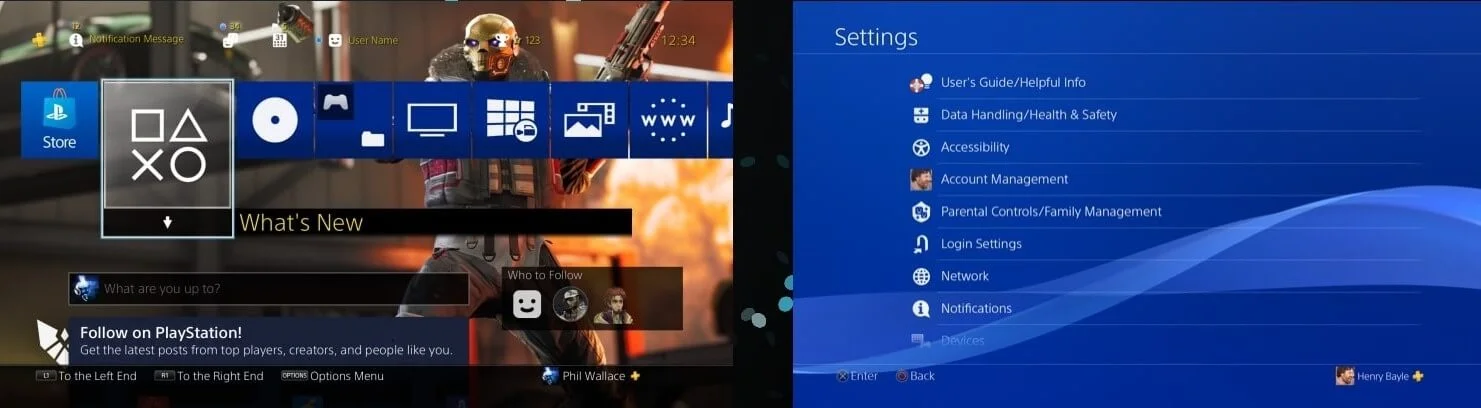
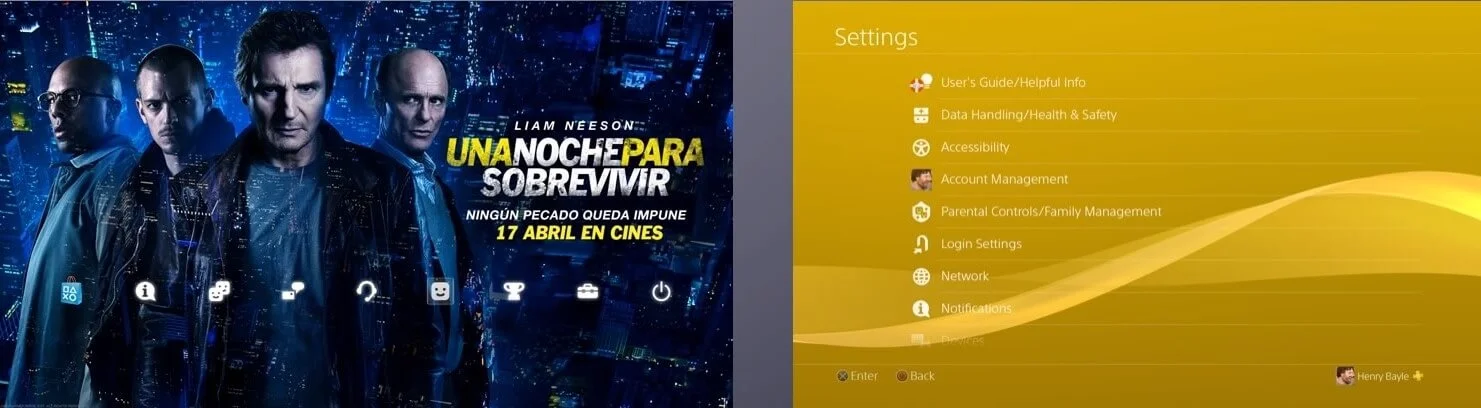
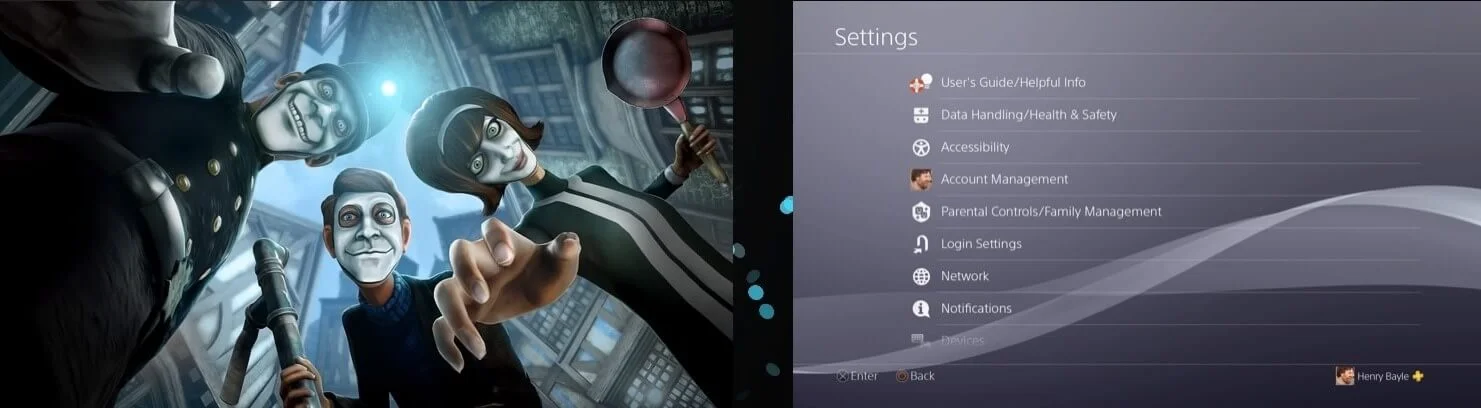
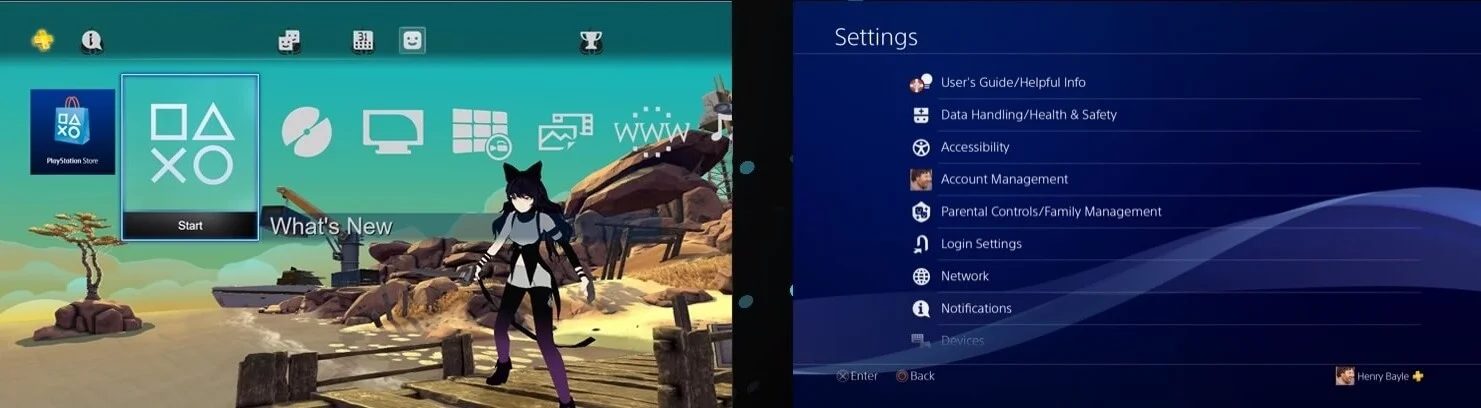
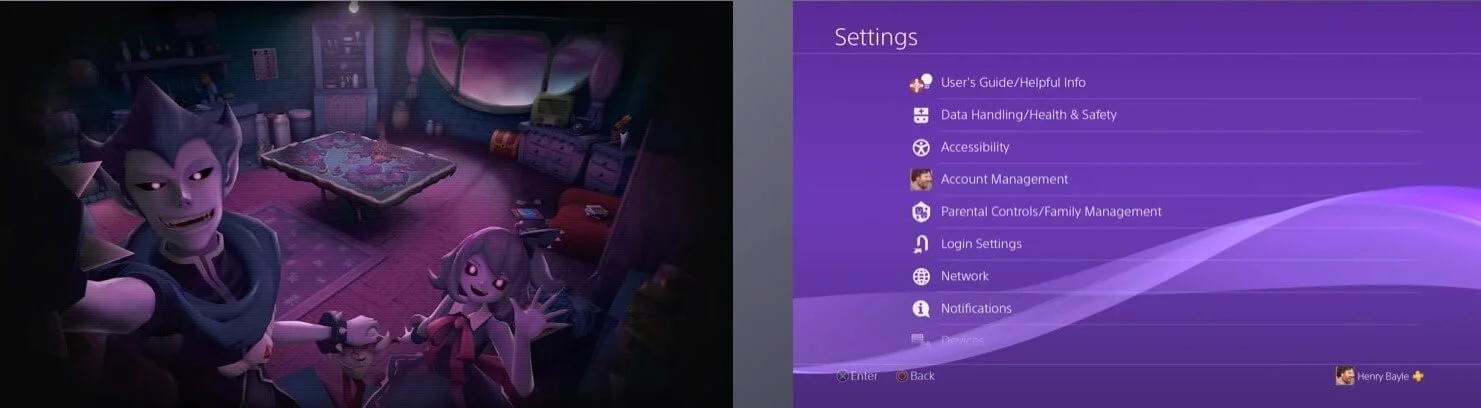
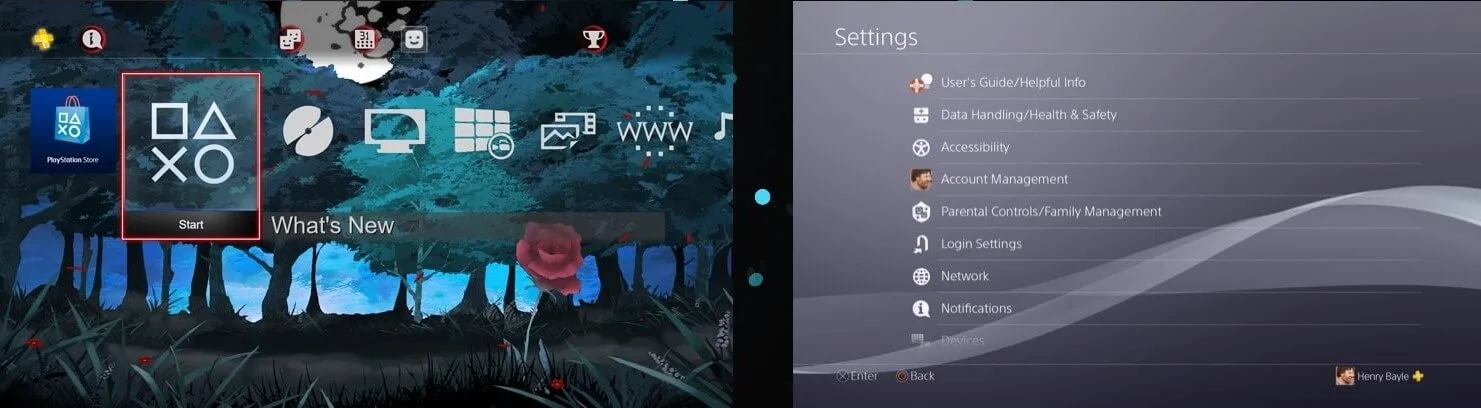
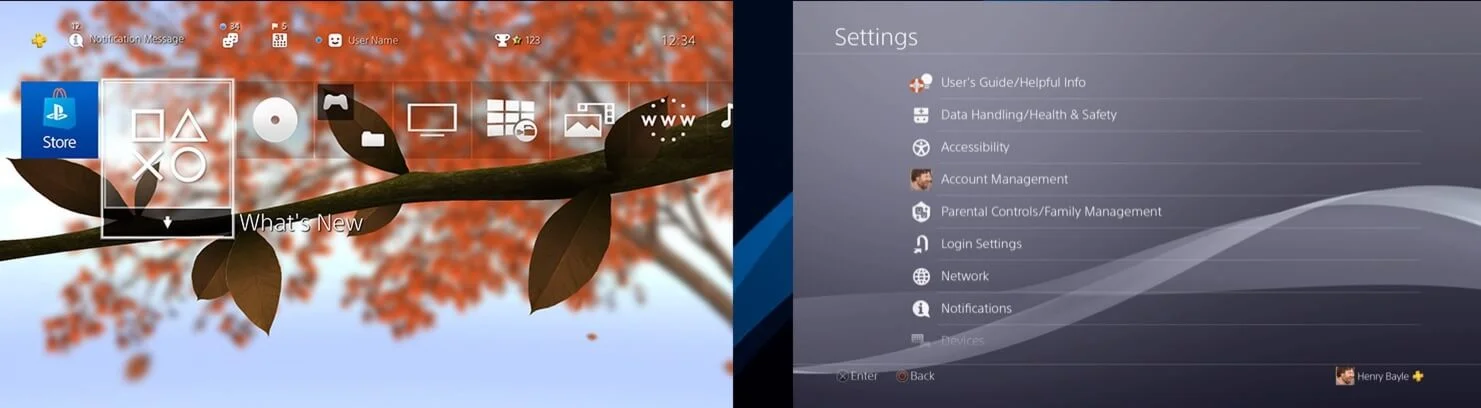
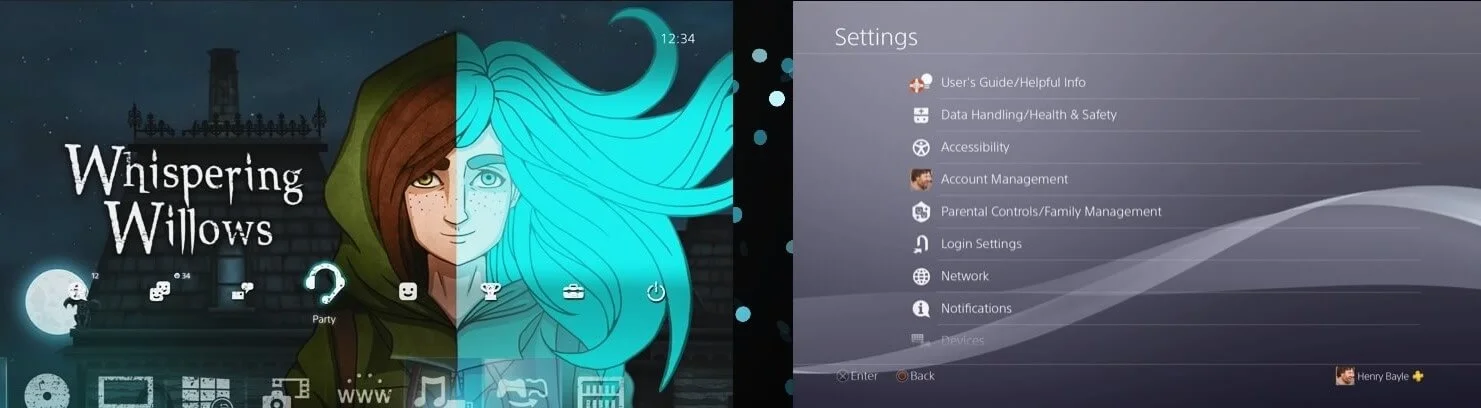
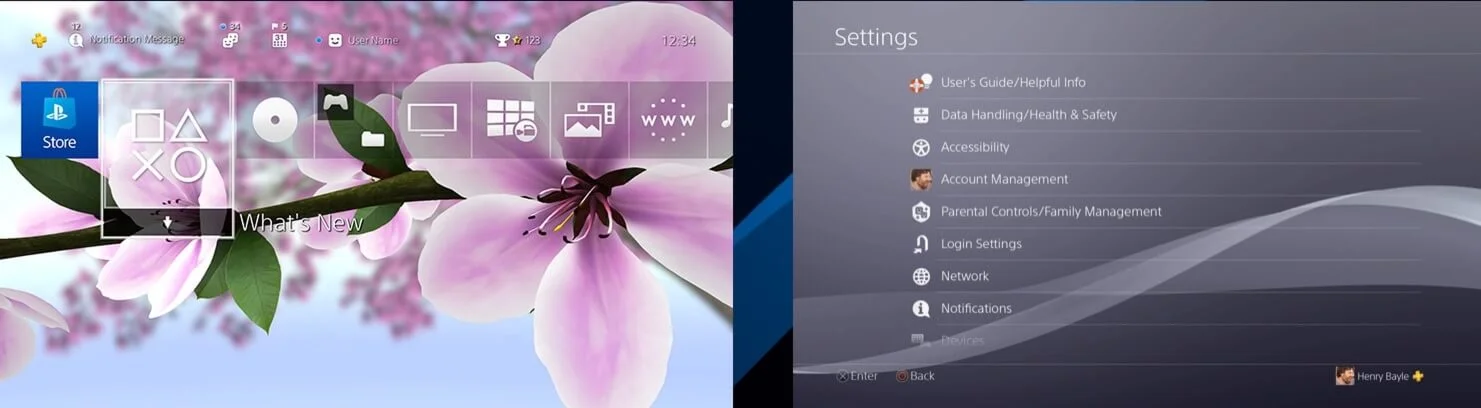
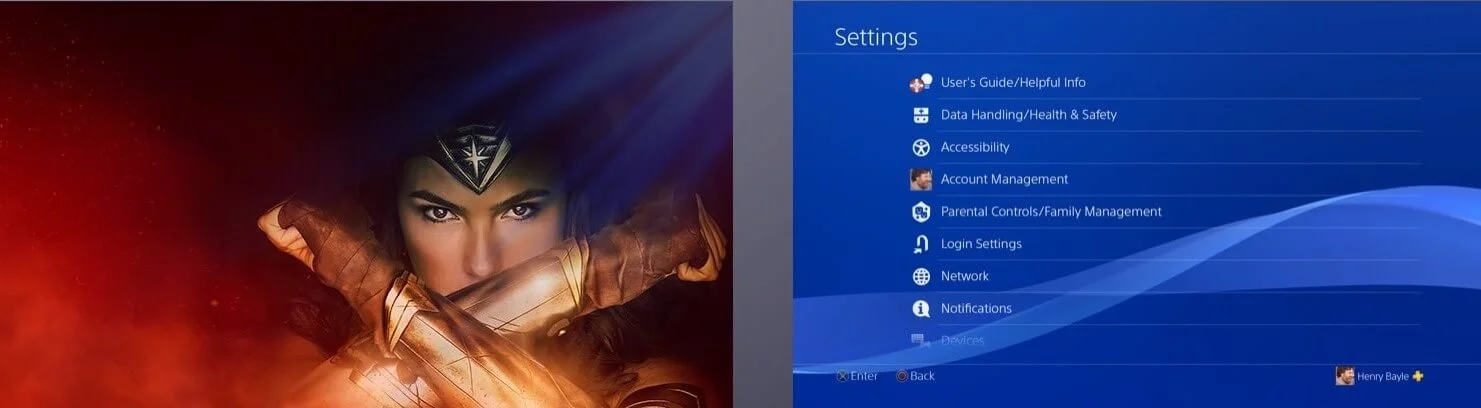
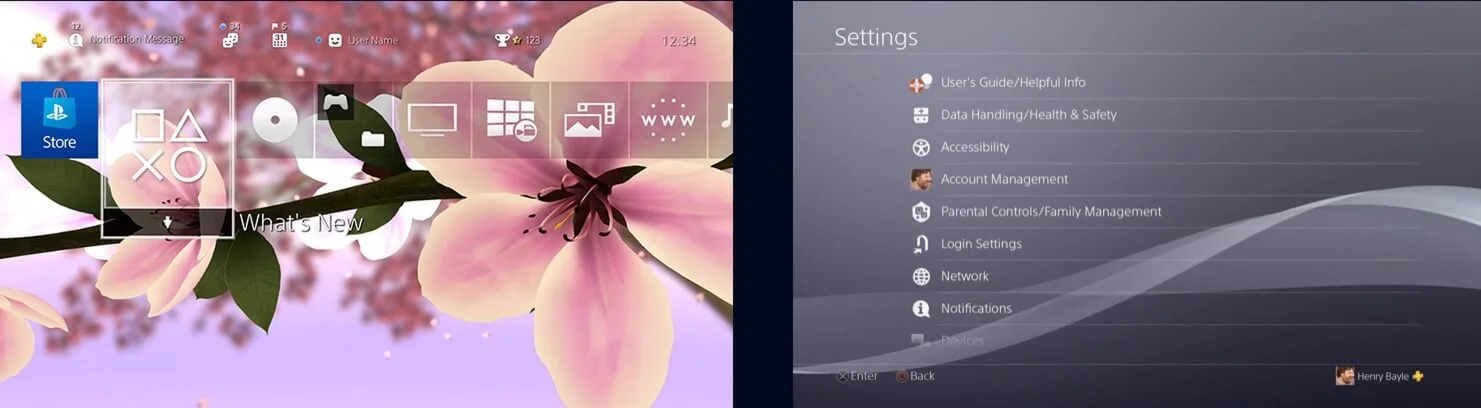
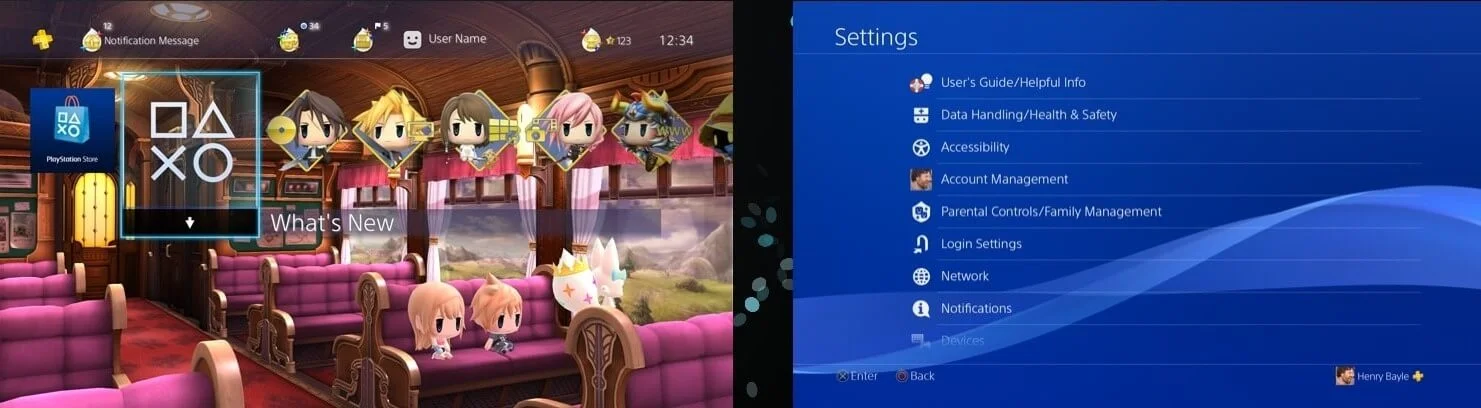
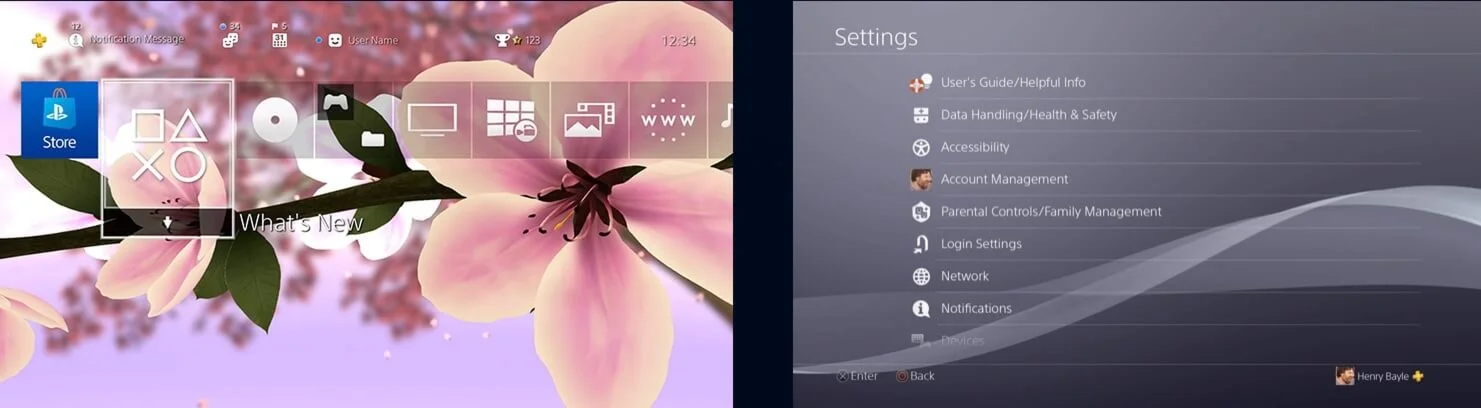
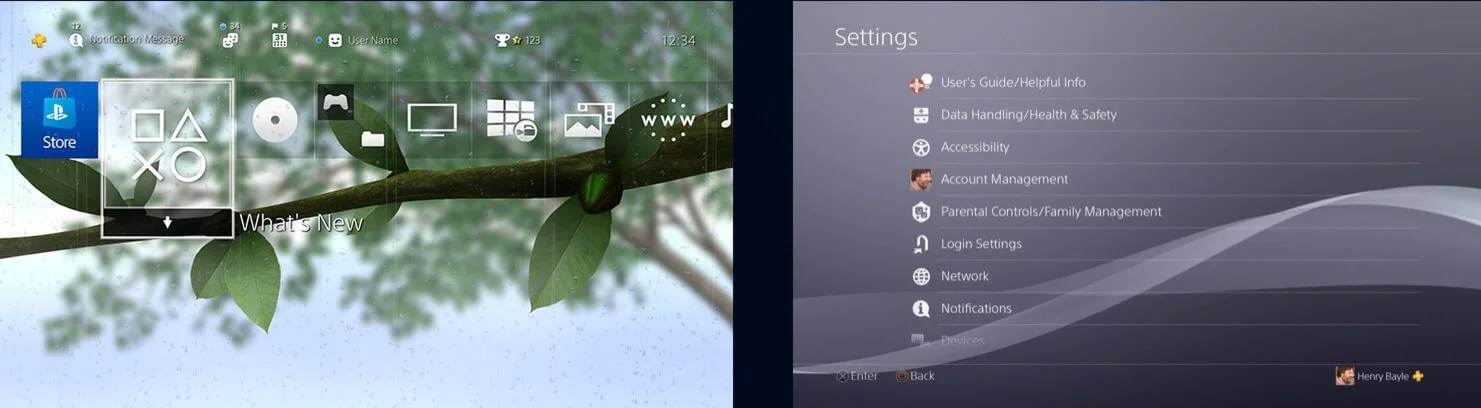
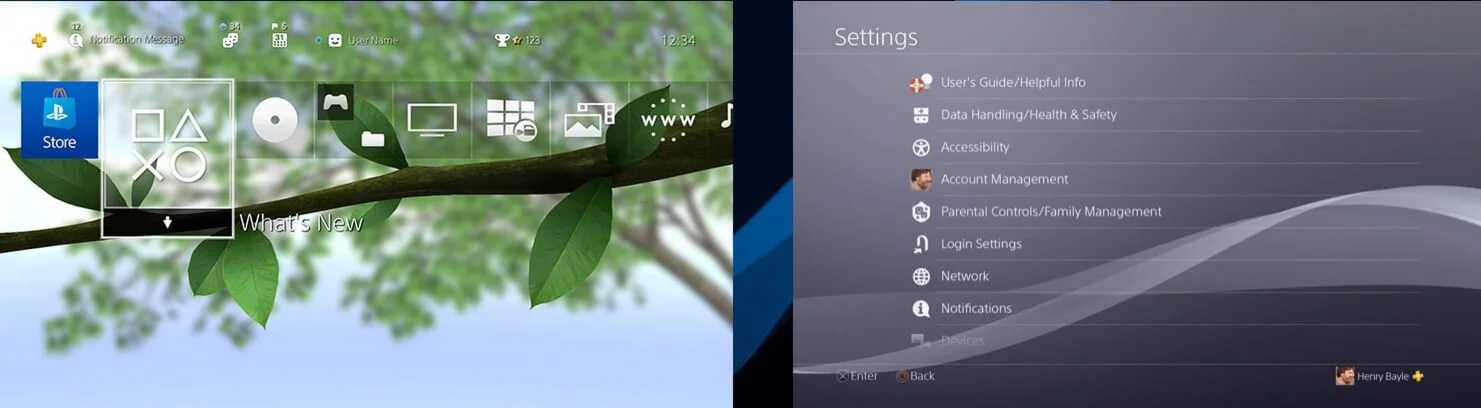
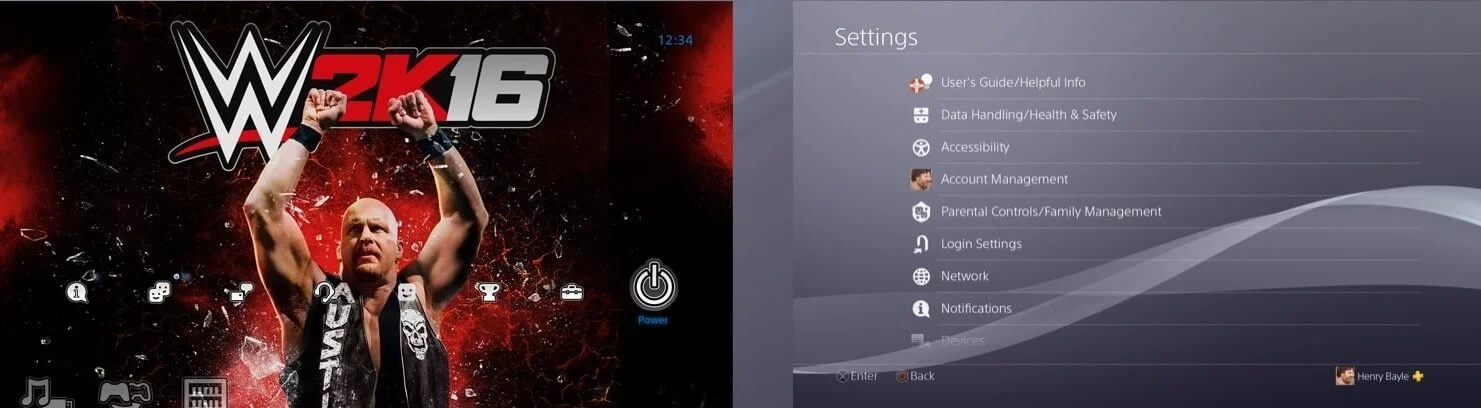
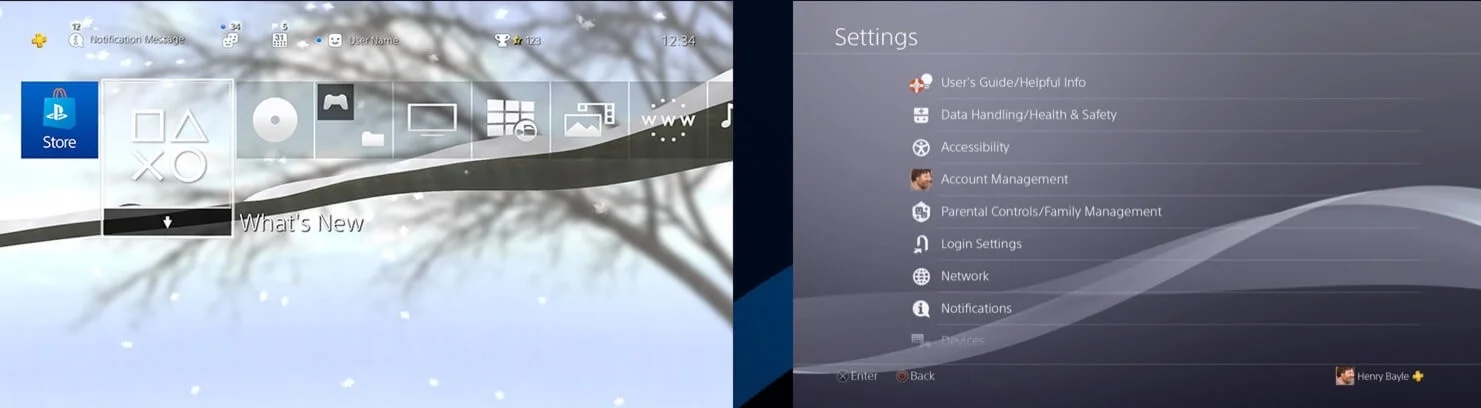
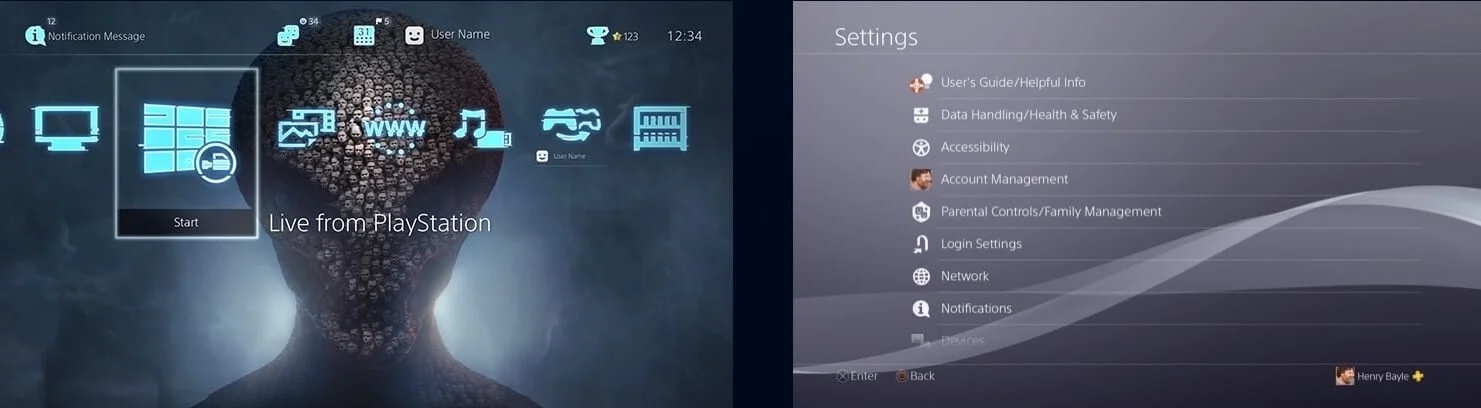
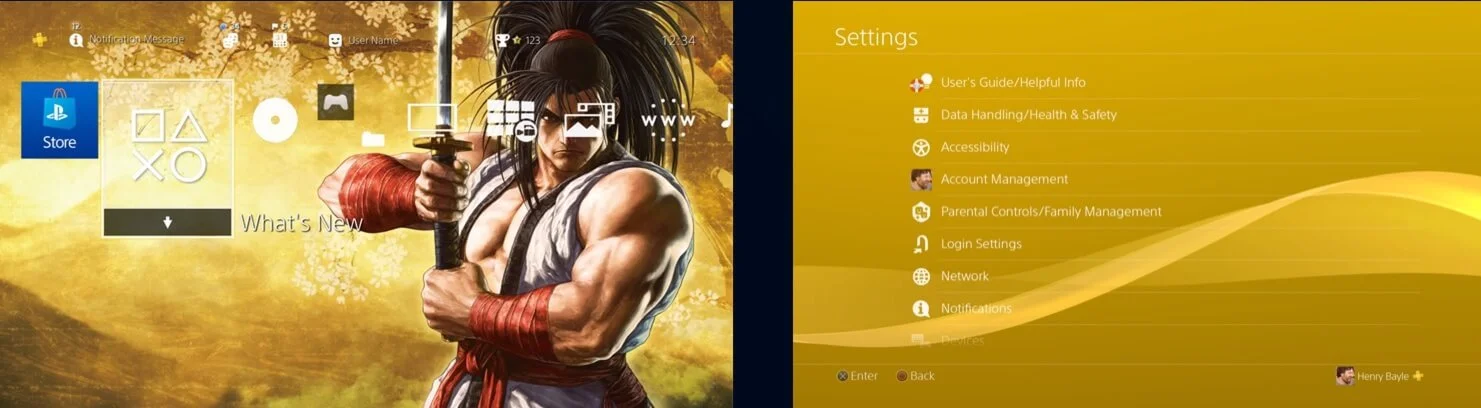
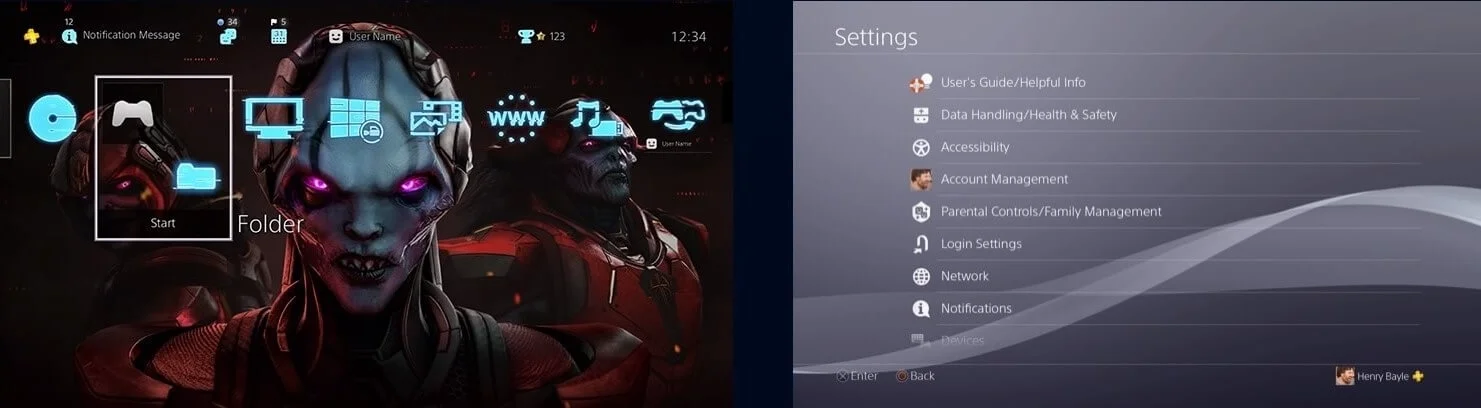
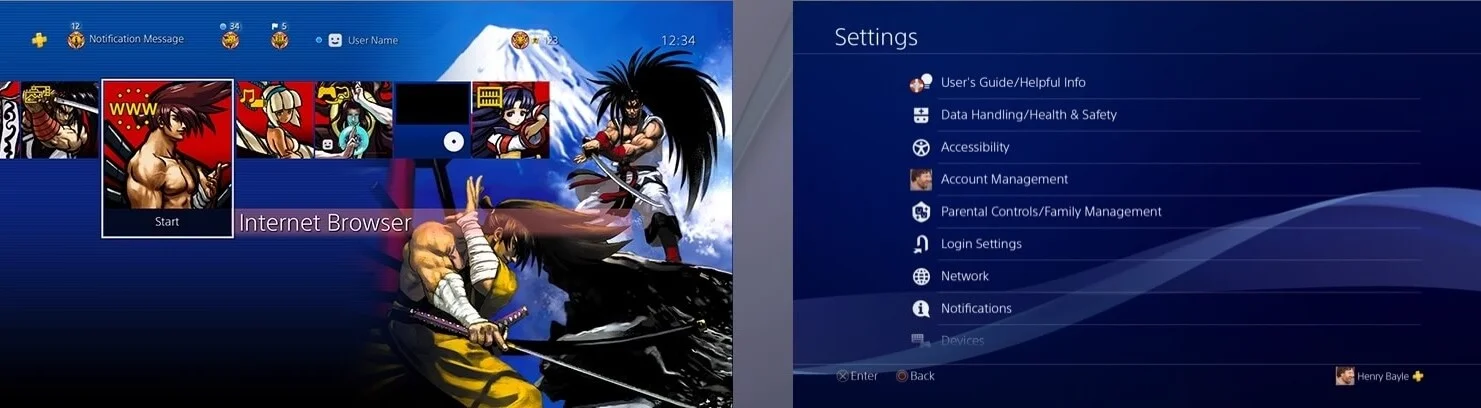
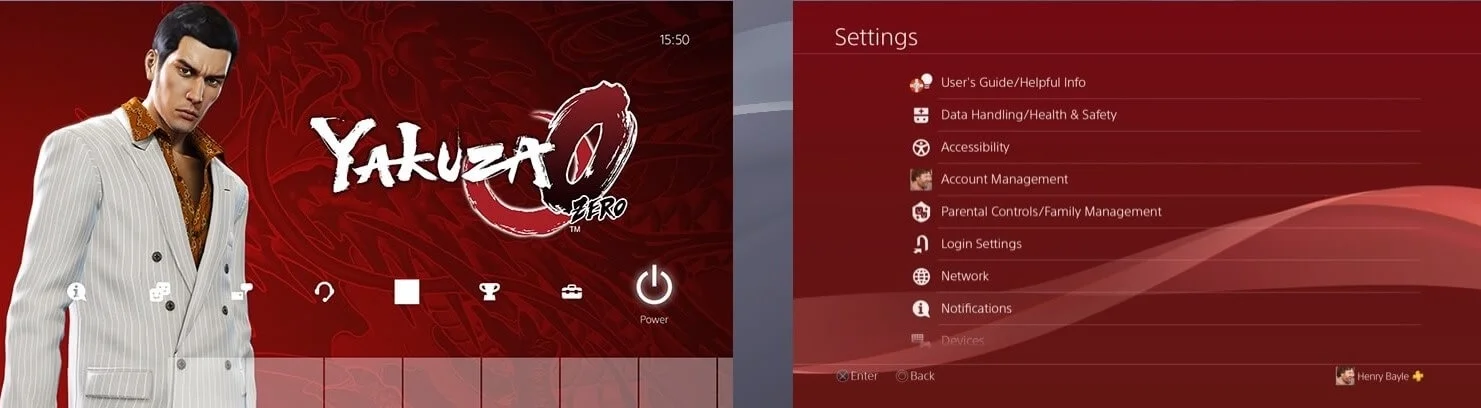
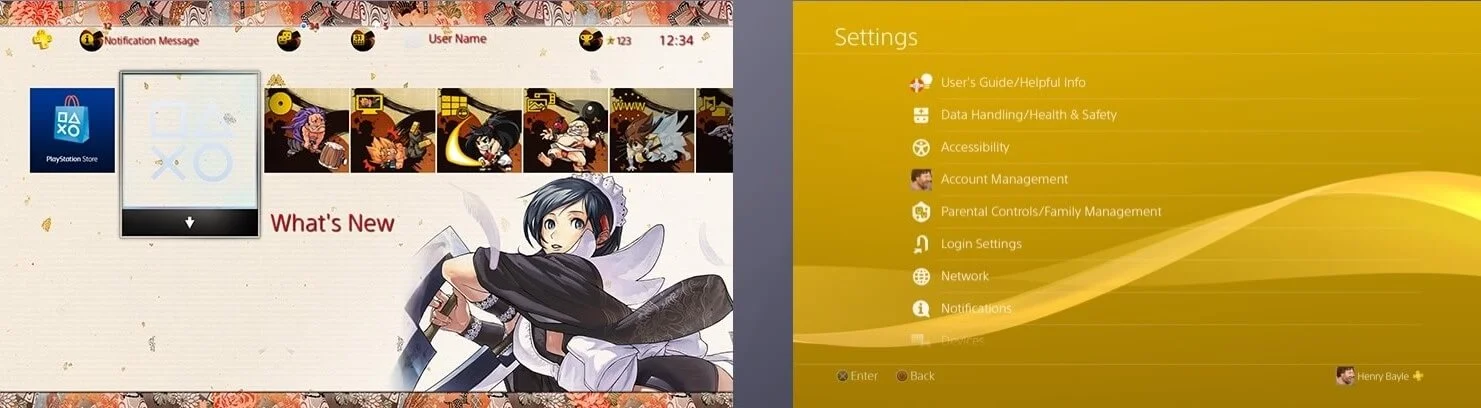
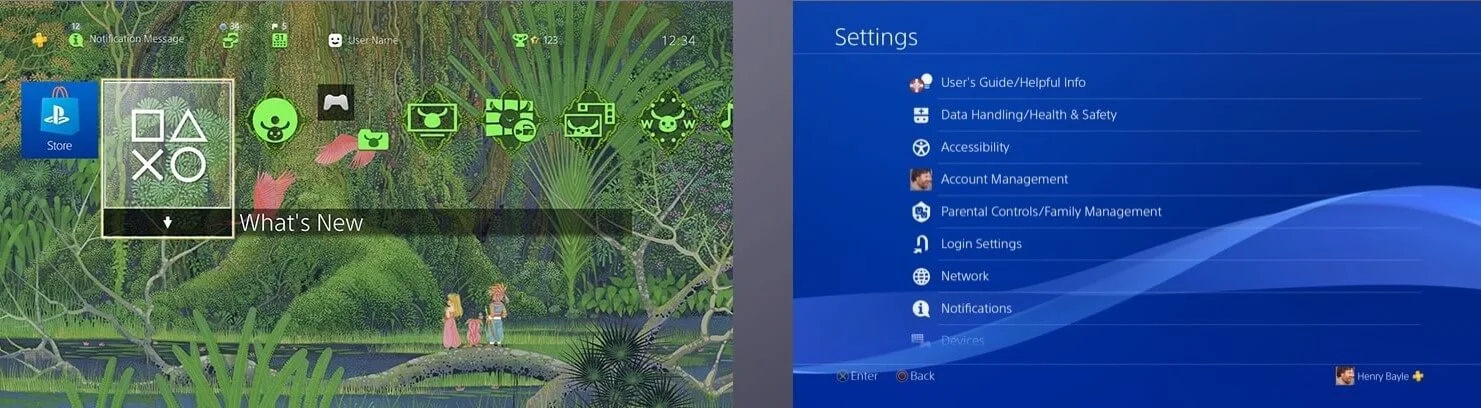
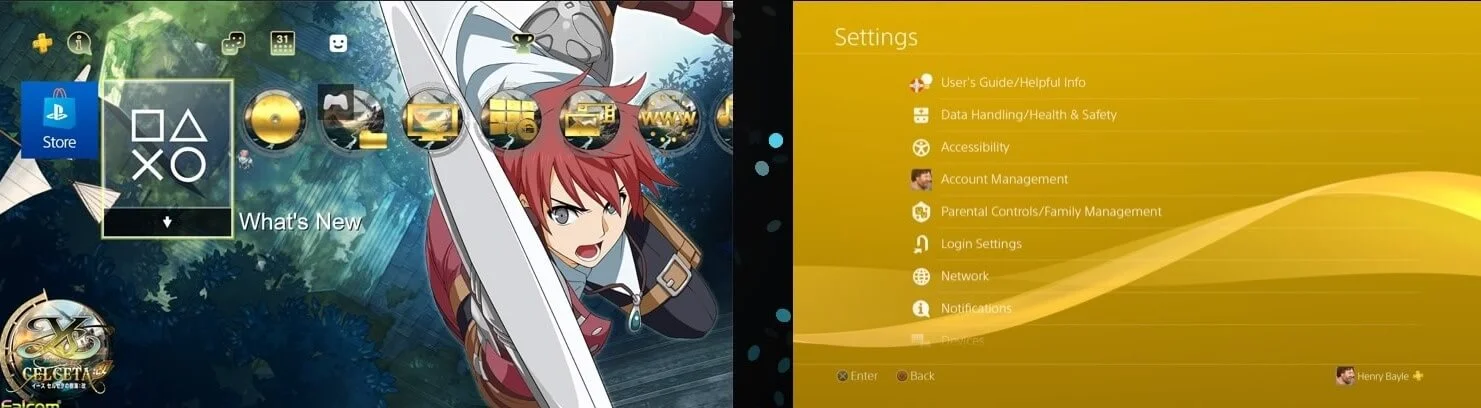
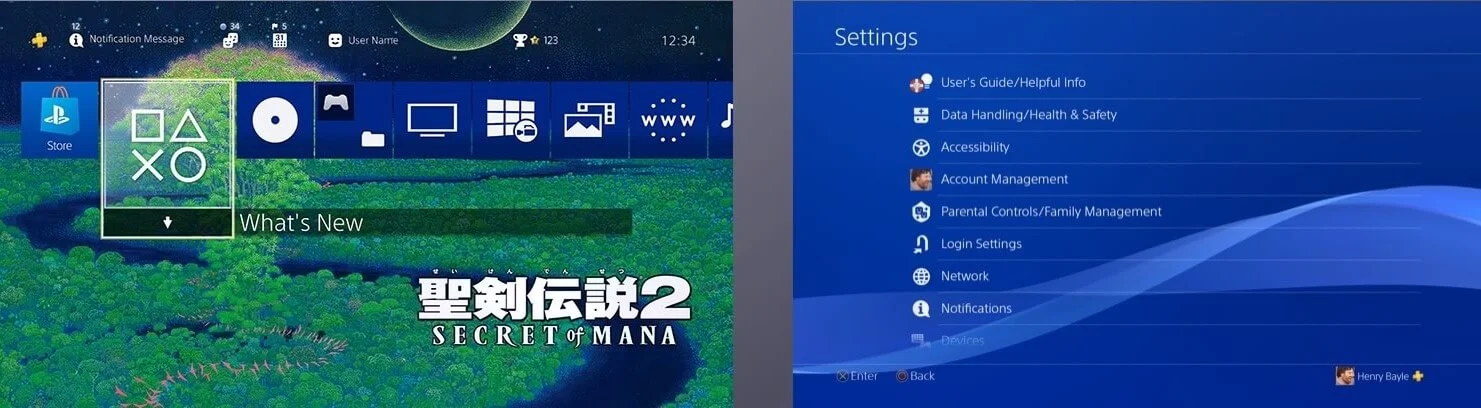
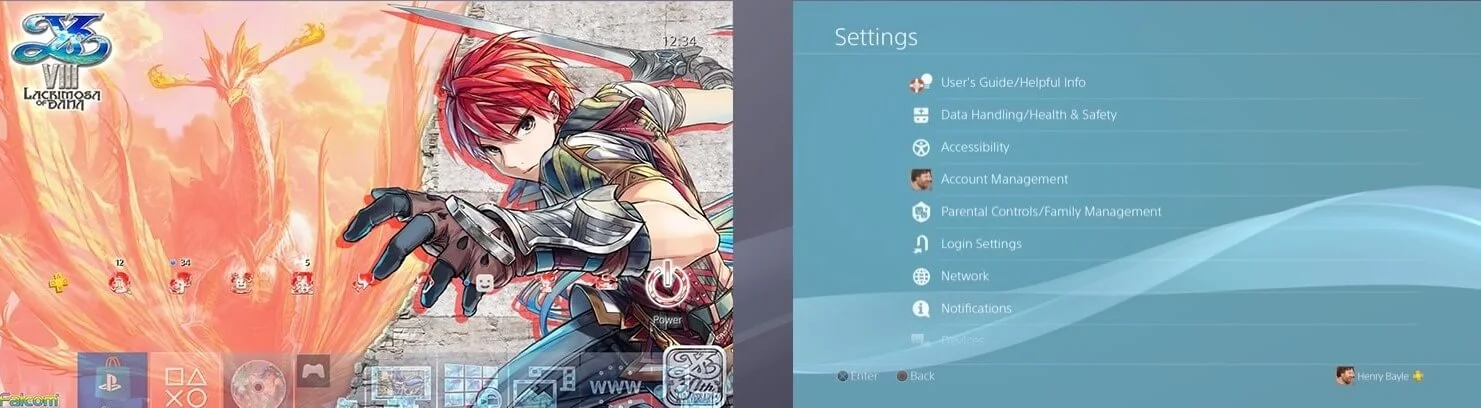
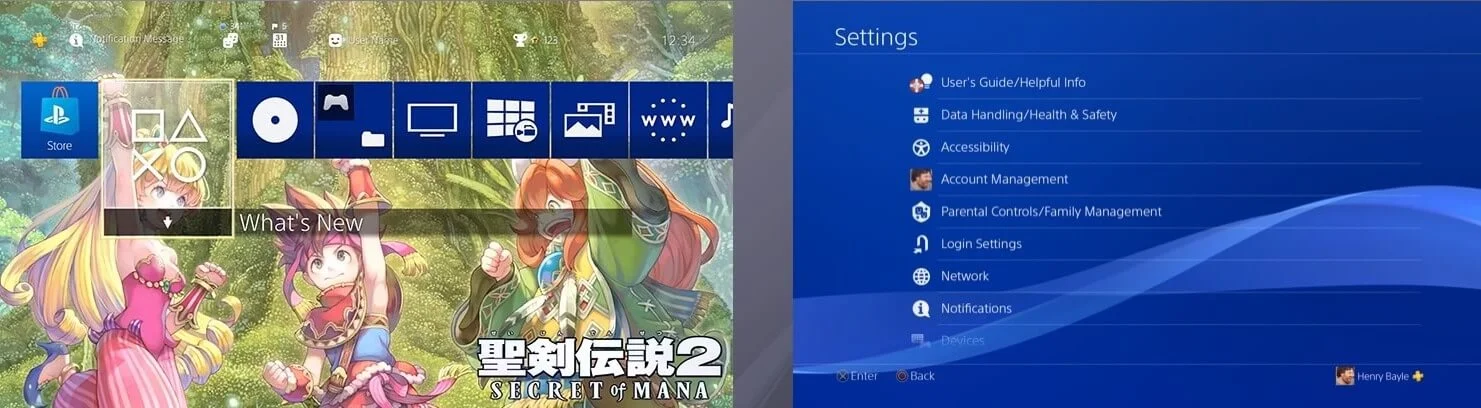
1. Download the theme and extract the RAR file. You'll find two PKG files and an image. The image is just to preview the theme's look — you don't need it.
2. Use an FTP app like X-plore to transfer both PKG files to your PS4, placing them in the path: "data/pkg"
3. On your PS4, open GoldHEN from the top bar, then go to: Debug Settings → Package Installer
4. Install the theme files in order: PKG number 1 first, then PKG number 2. ⚠️ The order matters a lot — don't install number 2 before number 1.
5. After installation finishes, go to: Settings → Themes, then select the theme you installed and activate it.